The Handheld is a versatile device suitable for use in a range of operating conditions. To achieve the highest possible sizing accuracy, we recommend following the guidelines outlined below.
Do not use the device too close to the crop
For optimal sizing accuracy, the recommended distance between the device and the crop is between 500-800 mm (waist level).
Do not use the device on stacked crop
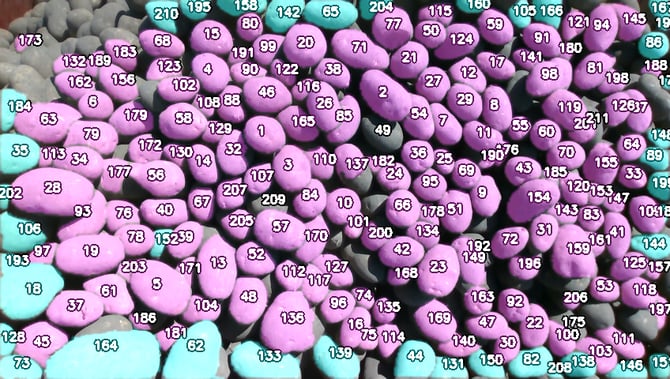
When crop is stacked in several layers, the device is likely to detect partially visible crop in the lower layers. This leads to an overestimation of undersized crop in the sample and therefore biases the results. The example below illustrates the issues caused by stacking crop.
Avoid clustering the crop
If the crop is too closely clustered (i.e. with no gaps between individual pieces), sizing accuracy can be reduced (see the first image below). In these conditions, clustering may cause the crop to partially overlap and/or prevent some crop from lying completely flat on the surface. As a result, the camera will not capture the full length of those crops (see the second image below – the crop highlighted in red will have less accurate measurements).
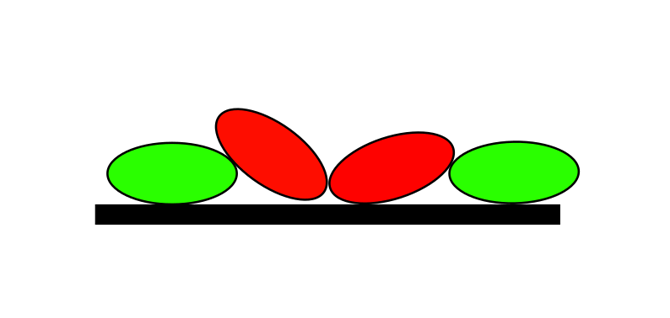
To prevent the issues mentioned above, do the following:
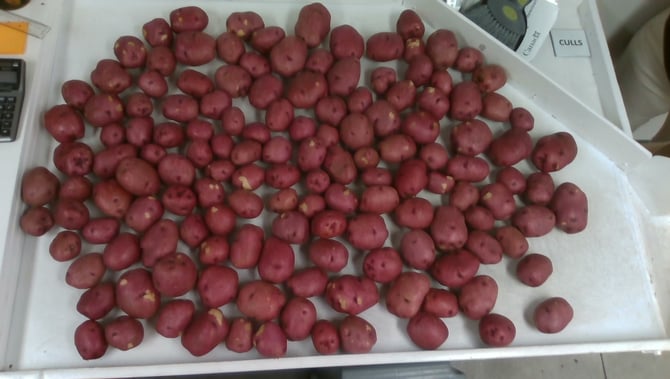
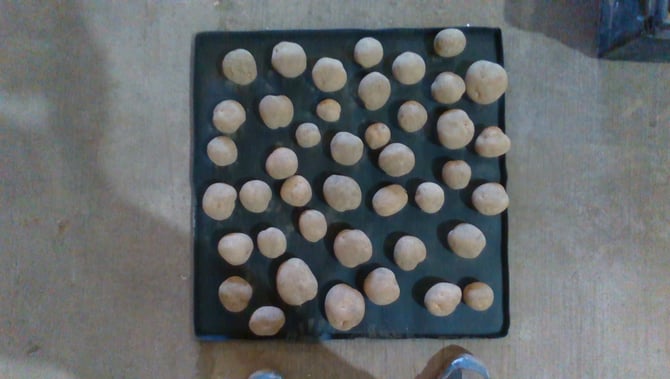
- Arrange the crop so that it does not overlap and lies fully flat on the floor (see the image below for an example).
- If you have a large amount of crop to scan, consider using multi-snapshot mode (Settings -> System Settings -> Report Settings). This allows you to divide the sample into smaller subsamples and scan each one separately, helping to reduce clustering. All data is then compiled into a single report.
Take snapshots with the tablet parallel to the crop
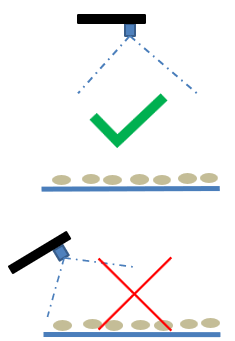
Capture images with the tablet positioned at a 90° angle to the crop (see the image below).
Use the confidence slider wisely
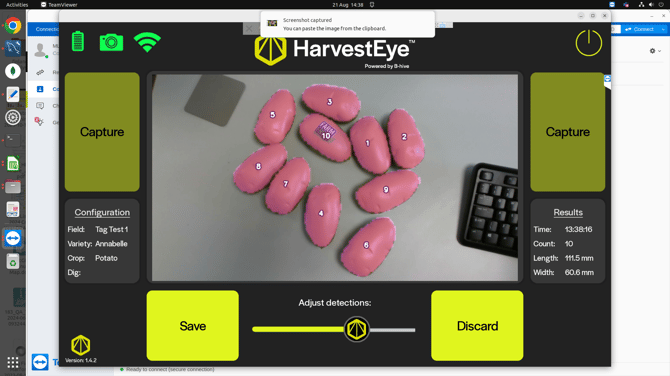
The confidence slider is located under the text "Adjust detections". It controls how confidently the system identifies potatoes. By default, it is set to 90%, meaning objects detected below this threshold are ignored. Sliding the control to the left lowers the threshold and increases detections, which may help in environments where potatoes are missed - but may also include non-potato objects. Sliding it to the right results in cleaner detections but may miss some potatoes. You may need to adjust this setting depending on conditions to optimise results. Please see below a practicable example.
One potato was missed with maximum confidence threshold (100%)
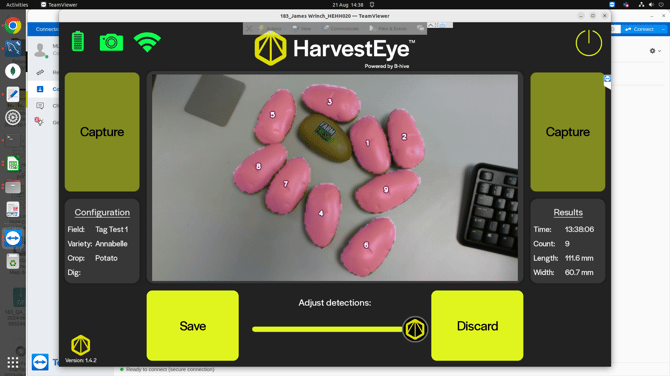
Sliding to the left enabled the detection of the missed potato.
Ensure good lighting and background contrast
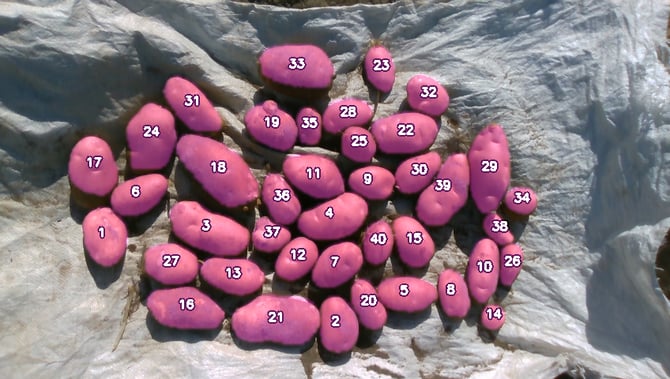
If the Handheld is not detecting all the crop, please ensure there is sufficient lighting so that the crop is clearly visible. Also make sure there is strong contrast between the crop and the background. If needed, we recommend placing a bag or board beneath the crop to improve contrast (see example below).