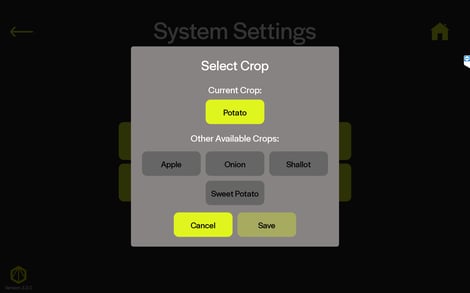
Since software version 2.3.0, you can change the crop type on your tablet by going to Settings -> System Settings -> Change Crop.
This option is available only for users that have subscriptions enabled for multiple crop types. To enable additional crop types on your system, please contact us at support@harvesteye.com.